Folder and Database Organization
Folder Structure
What is required for each run
Each run has multiple steps. To make one run we will have to do the following:
- Generate Multiple Plumes
- Generate Multiple Rainfall Files
- Generate Multiple INP Files
- Generate Multiple signal Files
- Combine the Signal Files
- Run Optimization
We will need a nested folder structure and at least at first we will need to keep copies of all files. The EPA has to be able to trace back to see the process as much as possible.
A single Chama Optimization run is made of Multiple Signal File Runs.
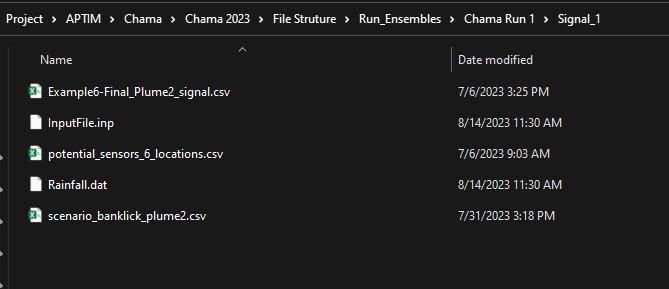
A signal File is made by a single SWMM Run. The SWMM run will be made with a single Plume and Rainfall combination. The Plume will become part of the INP file where the rainfall will be placed in the same file as the inp file and called rainfall.dat This way the SWMM engine will run the correct rainfall.
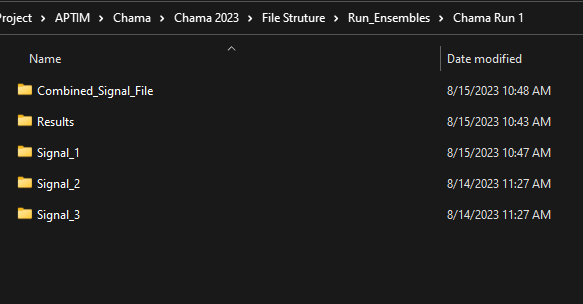
So a run folder be named as follows. Auto Incrementing RunID. and Auto incrementing Signal File. There will be many Signal folders within the single Run Folder.
In the single Run folders there will need to be the following:
- INP File (Modified for the Plume)
- Rainfall.dat File
- After SWMM is run there will be a signal file generated.
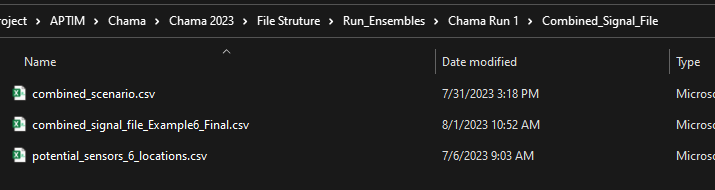
After all individual Signal Files have been generated then a combined signal folder with the combined signal file will be created. Using the modified combined signal file(current script only can combine 2 signal files)
This will be the signal file that is run in Chama OPT. There are also other files needed to run Chama OPT This would be a good place to put them as well. They will need to be generated right now they are hand crafted.
- Scenario files
- Potential Sensor Locations
Static Sections
To create the INP files we will need to create plumes and Rainfall files there should be a separate section
Folder Structure Images Top Down


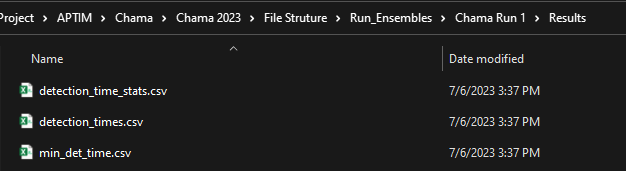

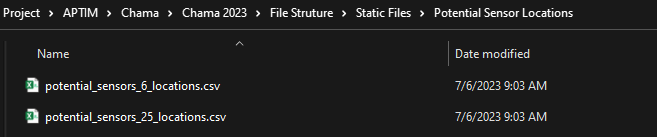
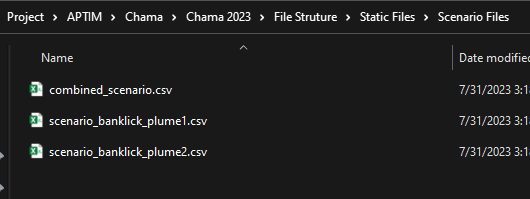
Database Structure
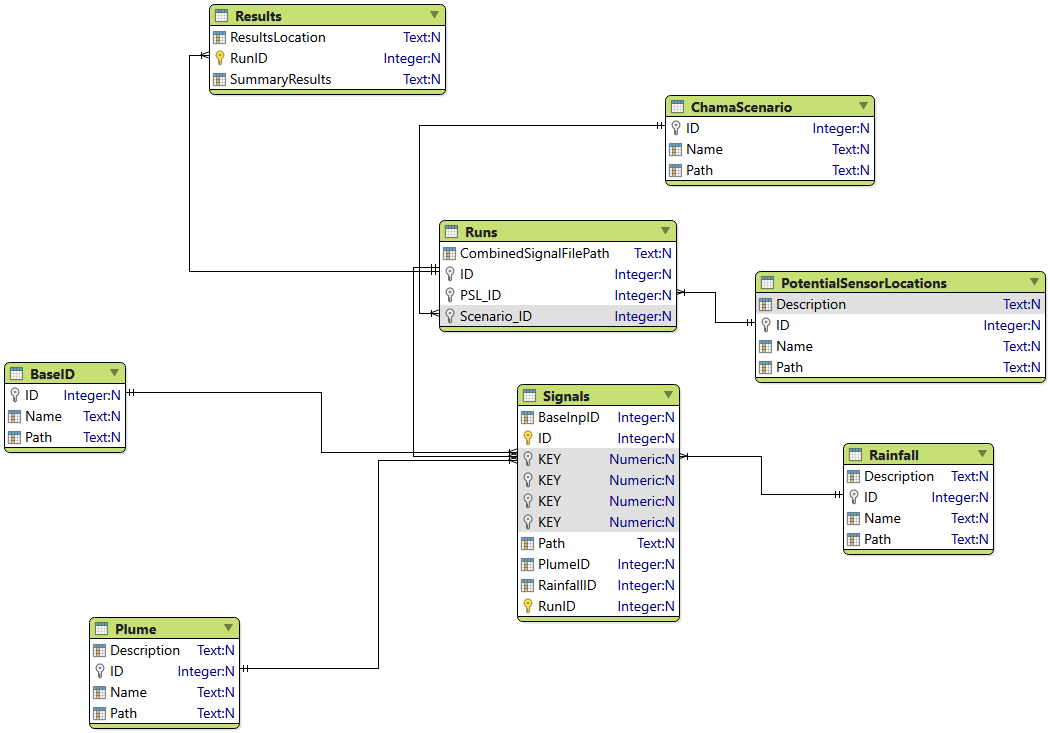
Table Definitions
- Base INP - Similar to the TPL File in Ostrich it is the base file that contains the sections of the INP file that will not change. (This will reference an INP file.)
- Potential Sensor Locations - Potential sensor Locations are required for 2 reasons.
- It is a required file in chama
- It is used to reduce the number of signals in the signal files. Banklick for example has 351 subcatchments.
- Chama Scenario - This is a required file for chama.
- Rainfall - This is the rainfall Data. There will be multiple rainfall files.
- Plume - This is the other half of the INP file it will contain sections for Loadings and Possibly pollutants. It will be based on however we set up the plumes.
- Signals - This table will contain the ID's that go into each signal file. An Inherited Run ID and Location for the signal file.
- Runs - This will contain a run Id, Potential Sensor Locations ID, Chama Scenario, and a combined Signal File location.
- Results - This will contain the Inherited Run ID and the File Location with the results files. Depending on the results we may also want summary and or detailed results placed here as well.
Possible Database ERD
This is a mock up DB3 that was then put into Valentina to generate a Quick and dirty ERD. This was the fastest way I could think of doing this.